Letsee Creator
Build it.
It's live.
Build in your browser. Hit save and it opens from a QR code. Nothing to install, no app to publish.
Three steps to a live campaign
Create a project
Pick a campaign type to get a blank project
Add content
Place your AR content in the editor and save
Go live
Put it on site with a link and a QR code
What will you launch?

Photo AR
Snap with an AR camera, then share to social
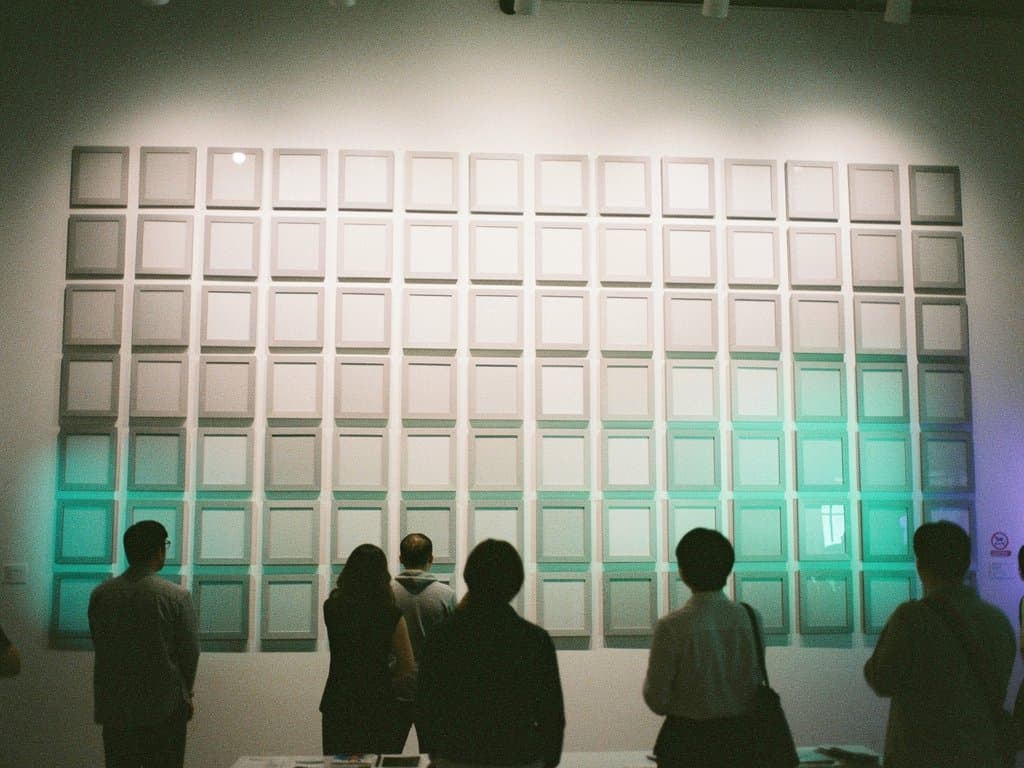
Board
Every visitor's photo, gathered on one wall

Coloring
Colored-in drawings come to life in AR
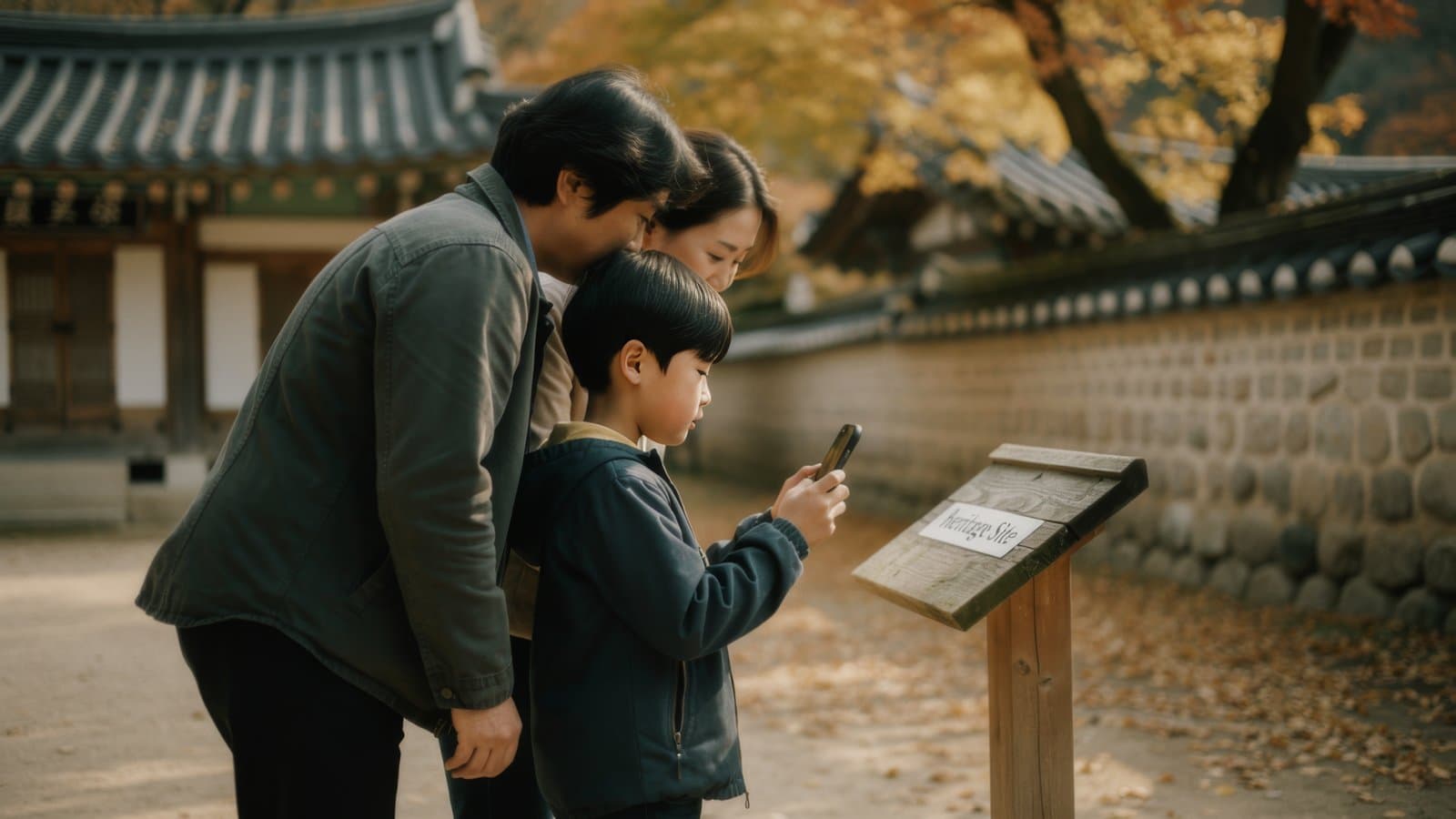
Quest
An AR stamp tour with a hidden mission at every spot
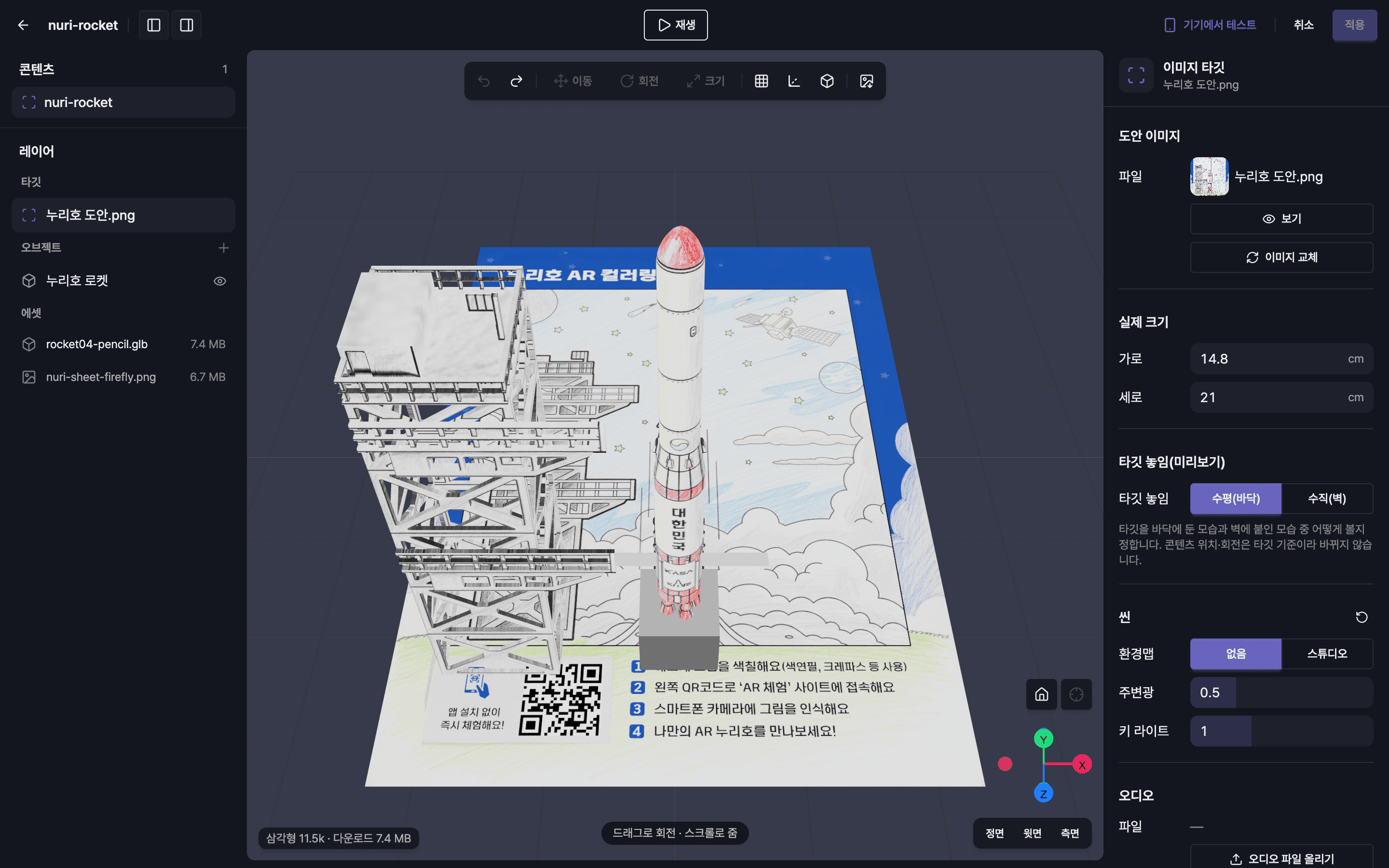
What you see is what opens on the phone
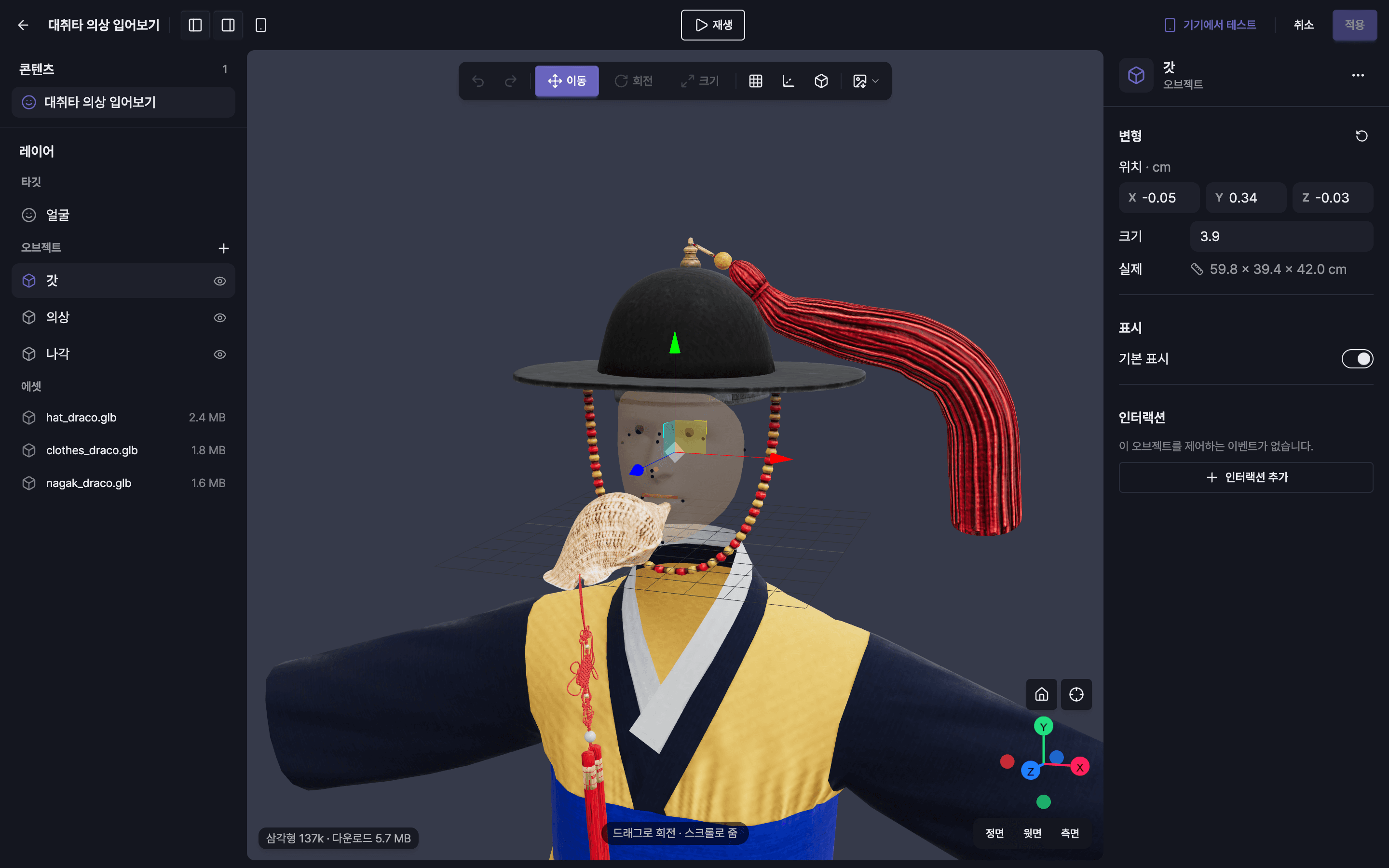
Layers
Targets and objects at a glance
Inspector
Fine-tune transforms, lighting, and interactions
Test on device
Scan a QR code and check it on your phone
Start with filters
Face and hand tracking filters
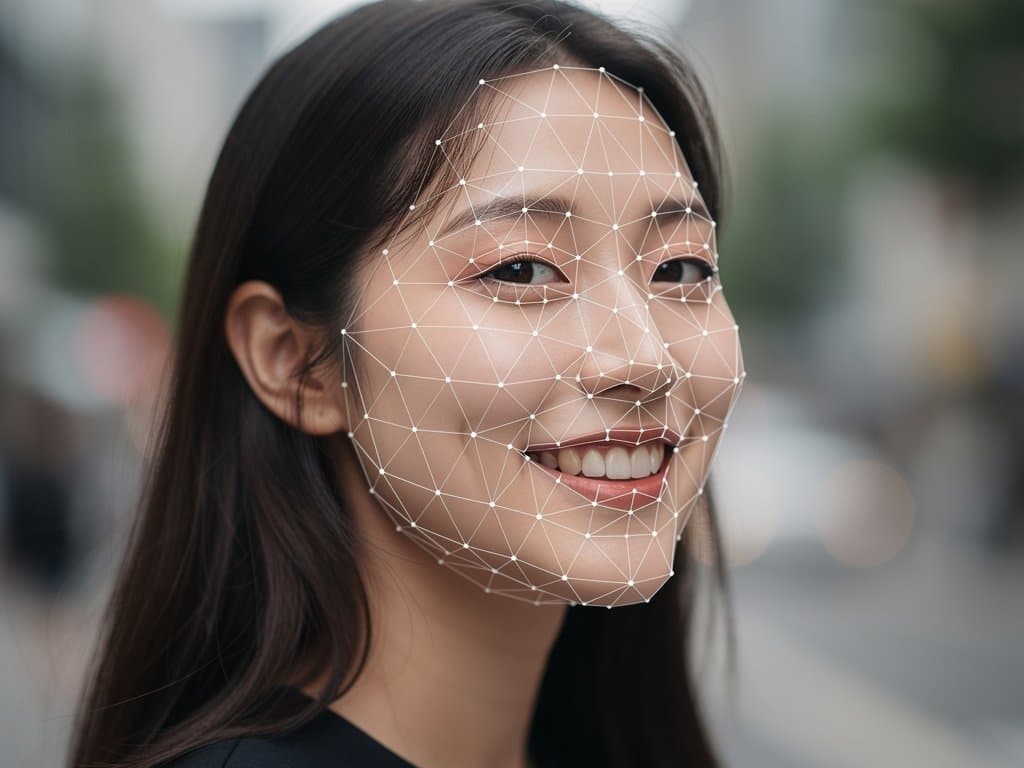
Face trackingPremium
Tracks the face to layer on masks, makeup, and accessories naturally
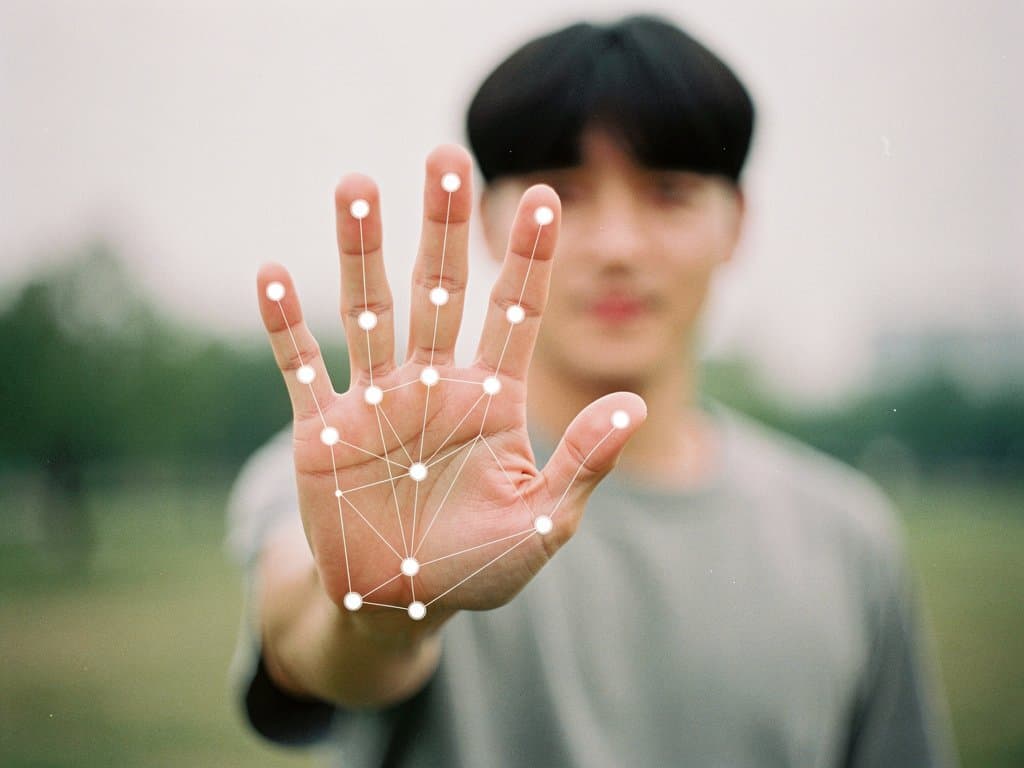
Hand trackingPremium
Picks up hand movement and gestures to trigger effects
Scene filters
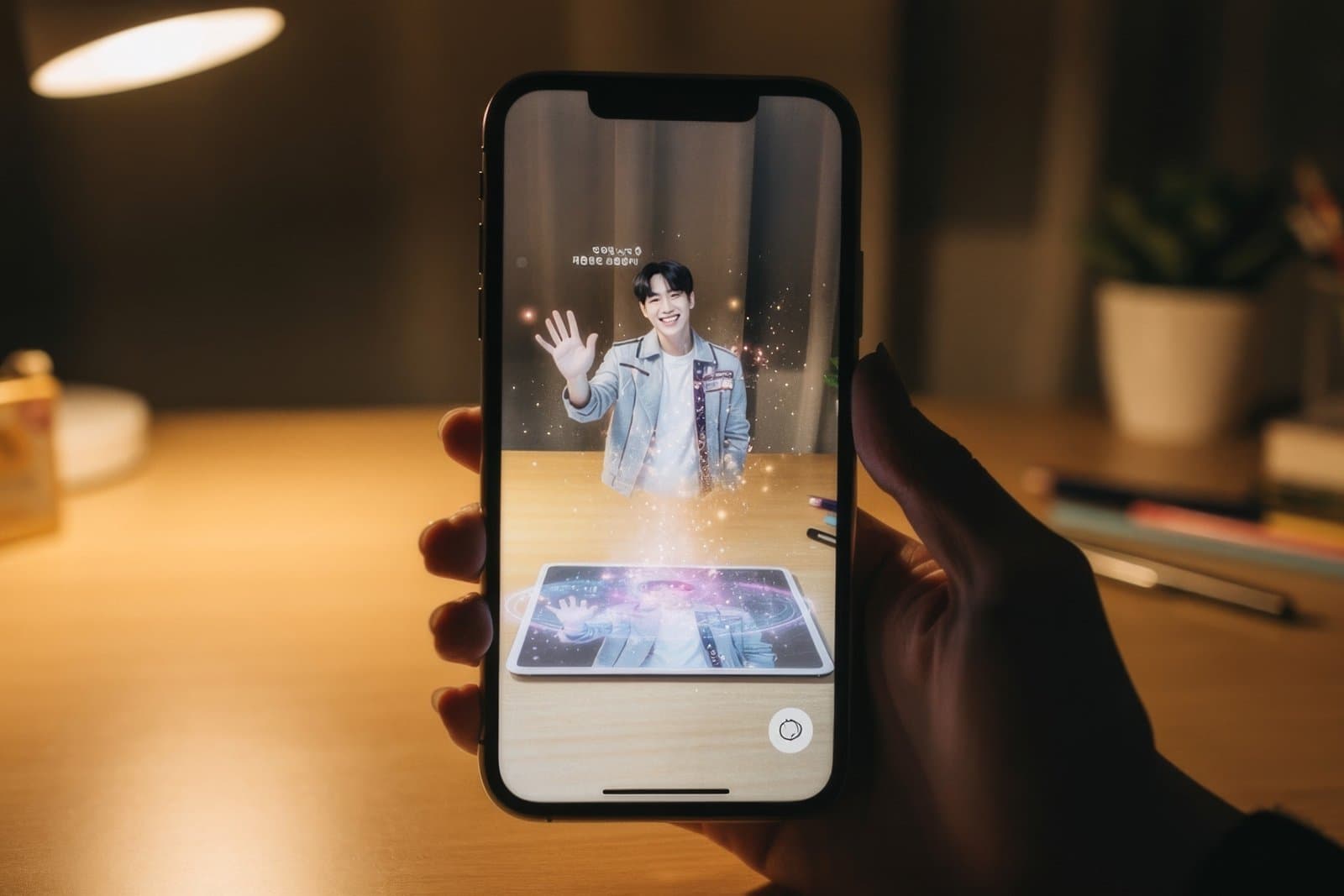
Image
Recognizes photocards and posters and brings content to life on them

Lottie animation
Dress up the scene with moving stickers and titles on screen

Polaroid
Saves your shot inside a Polaroid frame

ButterfliesPremium
A particle effect that sends butterflies across the screen

Fireworks (burst)Premium
Fireworks bursting across the whole screen

Fireworks (launch)Premium
Fireworks shooting up the screen
One link, one QR code. That's all it takes on site.
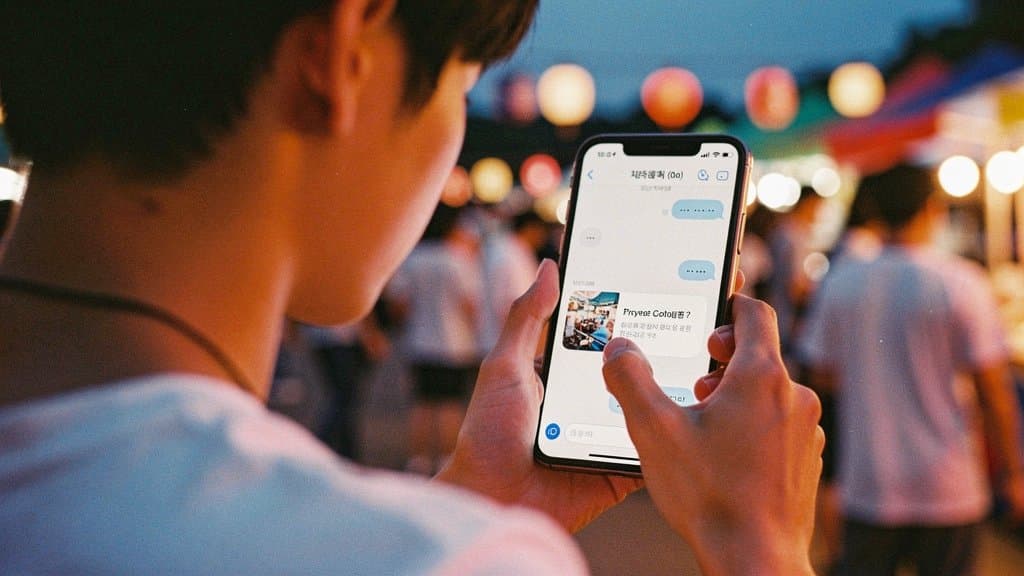
Public link
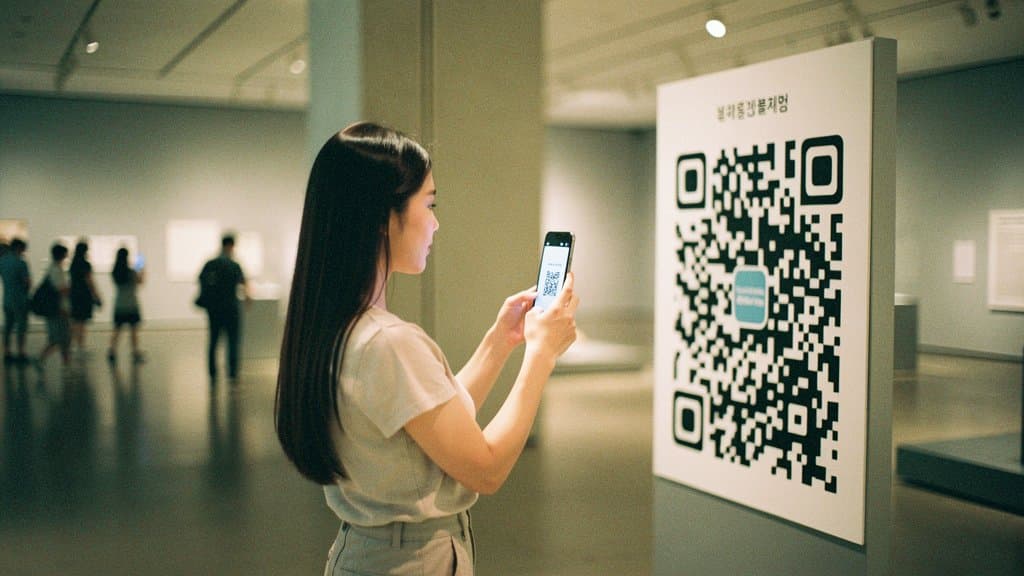
QR code
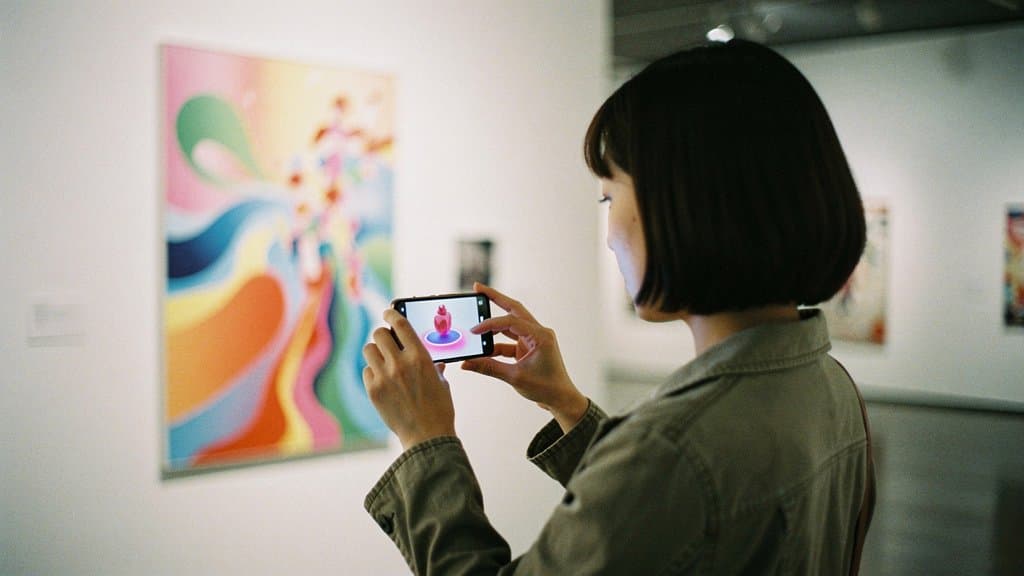
QR + marker image
Why you can count on it
In-house engine
A C++/WASM AR engine built in-house and proven in the field
On-device processing
Camera footage never leaves the device
Browser-based
No app store submission needed